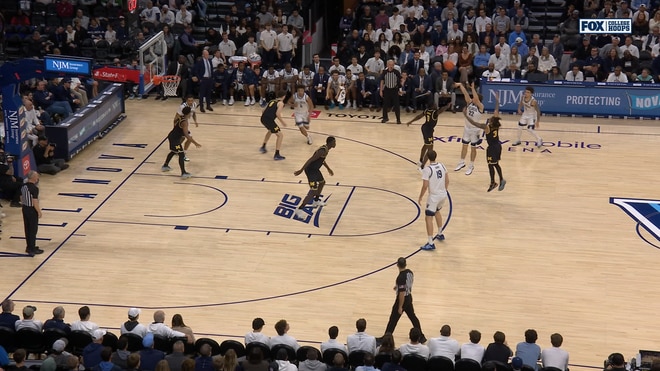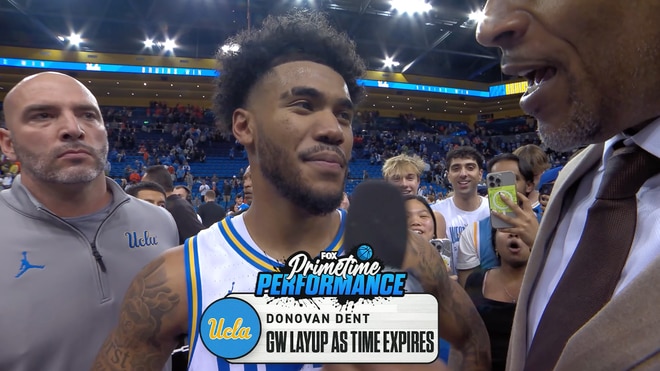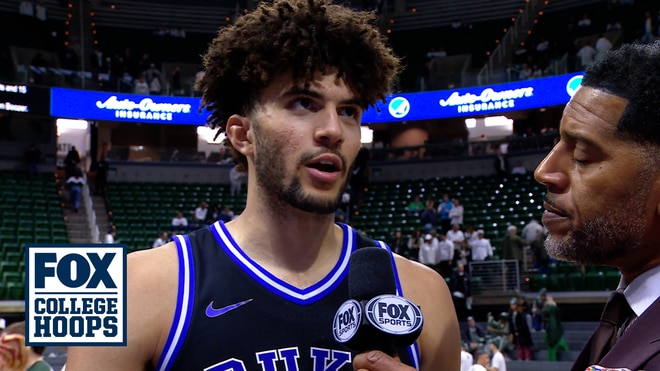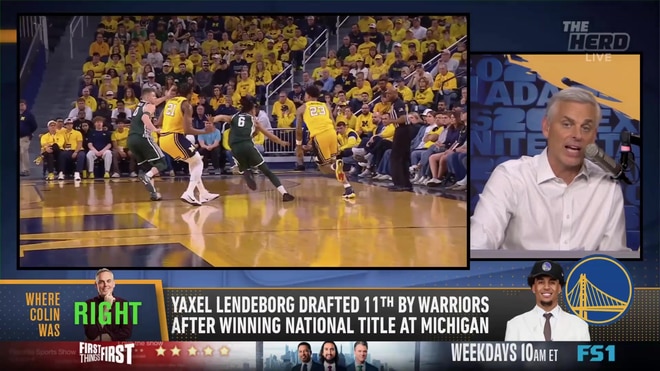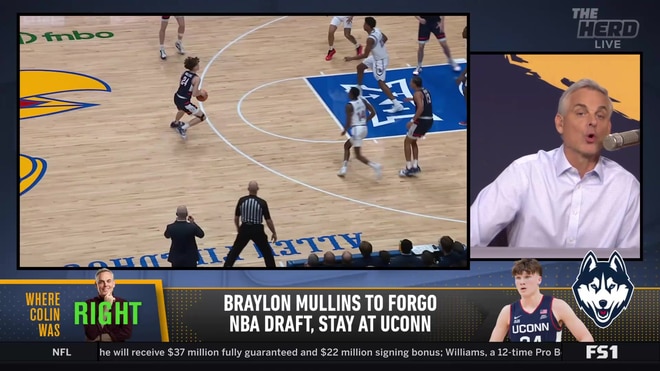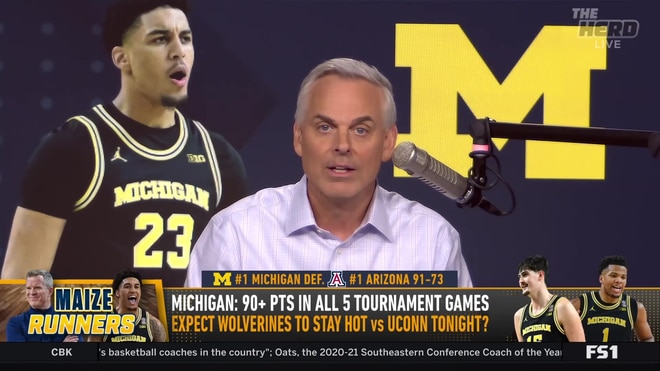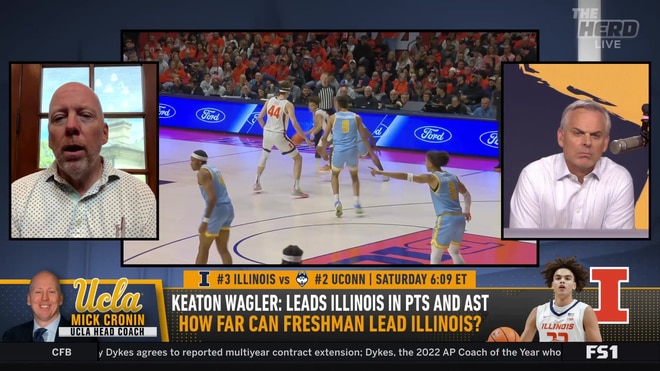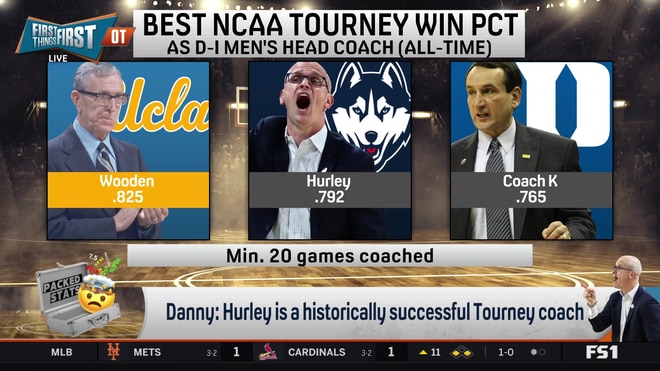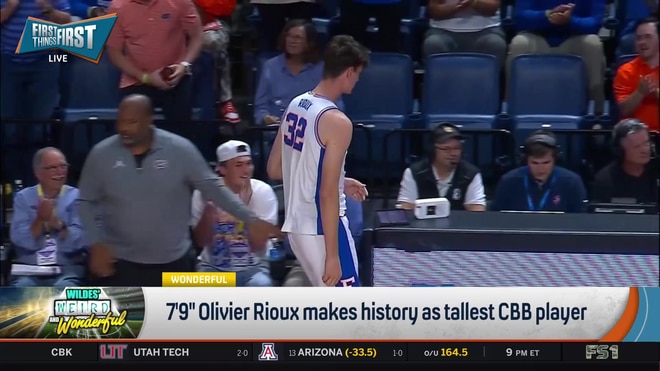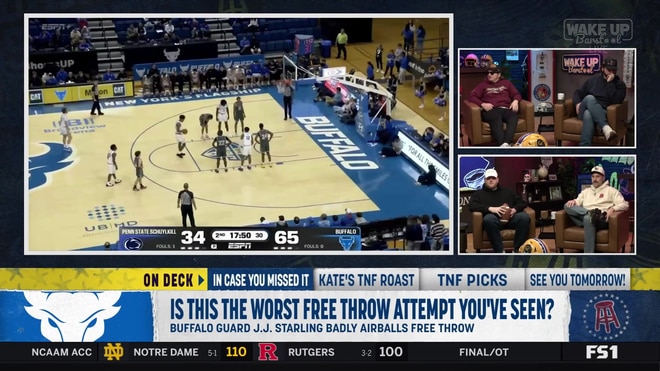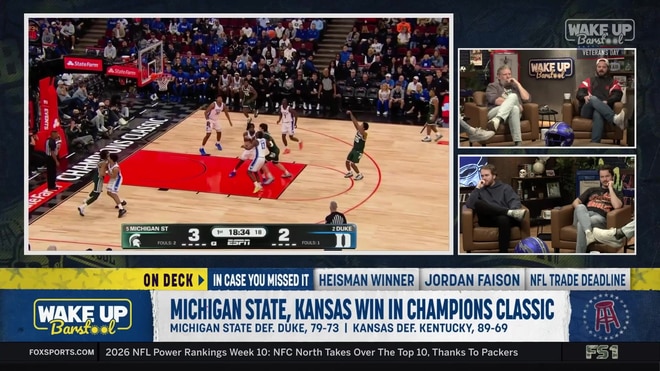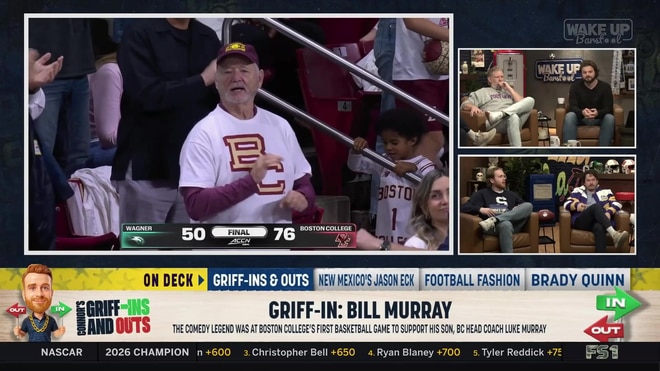

You can stream college basketball live on FOX One using supported mobile, web, and TV devices like Roku, Apple TV, Amazon Fire TV, and Smart TVs.
cMen's college basketball on FOX One tips off Sunday, Nov. 1, 2026, with Villanova vs Notre Dame in Rome, followed by a five-game slate on Monday, Nov. 2.
This week, FOX One streams 13 men's college basketball games, starting Tuesday, Nov. 17, and running through Sunday, Nov. 22. Below is the schedule:
Tuesday, Nov. 17, 2026
• Watch Lipscomb vs Purdue - 6:30 p.m. ET / 3:30 p.m. PT
Wednesday, Nov. 18, 2026
• Watch IU Indy vs Penn State - 6:30 p.m. ET / 3:30 p.m. PT
• Watch South Dakota vs Nebraska - 8:30 p.m. ET / 5:30 p.m. PT
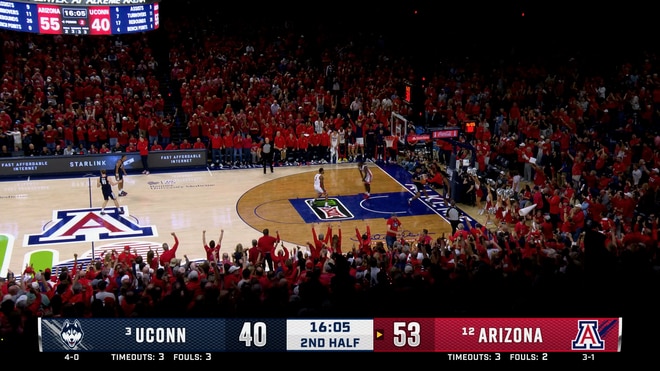
• Watch UConn vs Arizona - 9:00 p.m. ET / 6:00 p.m. PT
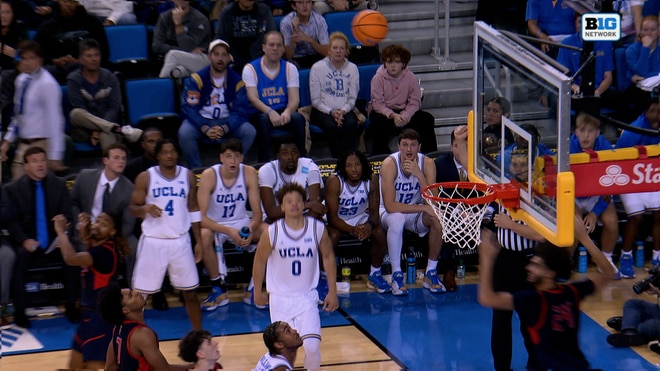
• Watch Cal State Fullerton vs UCLA - 10:30 p.m. ET / 7:30 p.m. PT
Thursday, Nov. 19, 2026
• Watch UMBC vs Ohio State - 7:00 p.m. ET / 4:00 p.m. PT
• Watch Oregon State vs Oregon - 9:00 p.m. ET / 6:00 p.m. PT
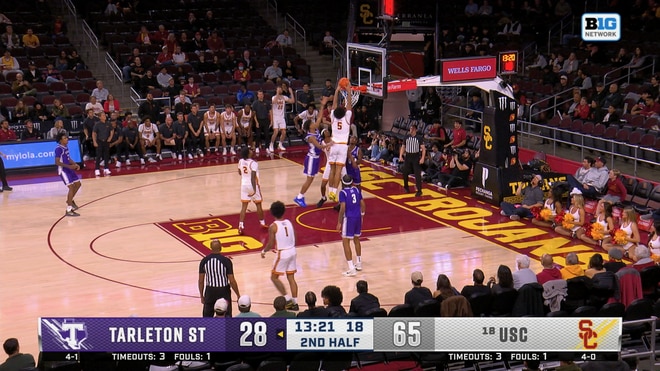
• Watch Tarleton State vs USC - 11:00 p.m. ET / 8:00 p.m. PT
Friday, Nov. 20, 2026
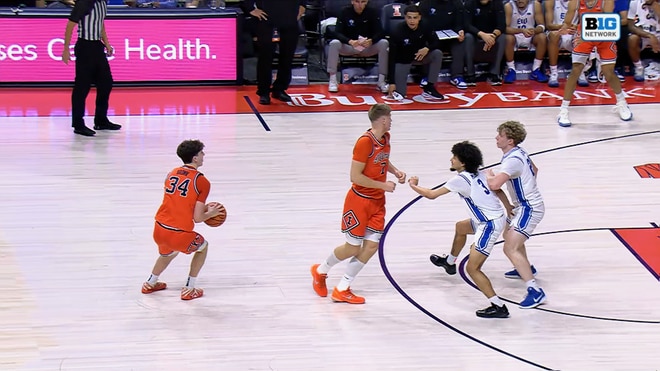
• Watch Oakland vs Purdue - 7:00 p.m. ET / 4:00 p.m. PT
• Watch Eastern Illinois vs Illinois - 9:00 p.m. ET / 6:00 p.m. PT
Saturday, Nov. 21, 2026
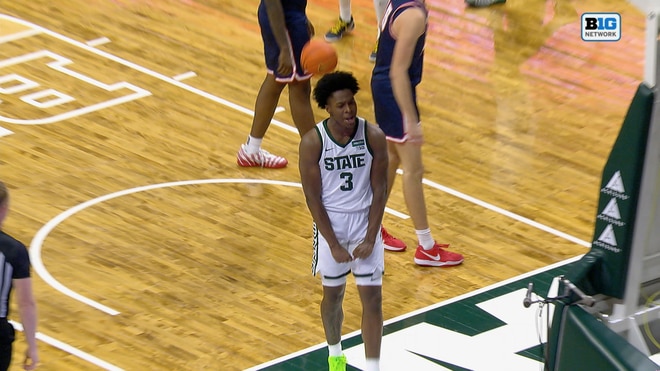
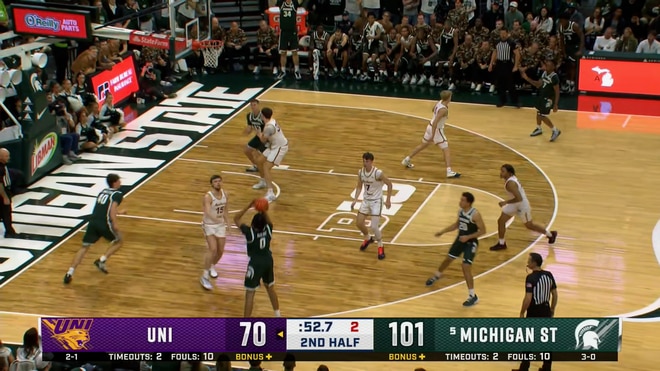
• Watch Detroit Mercy vs Michigan State - 12:00 p.m. ET / 9:00 a.m. PT
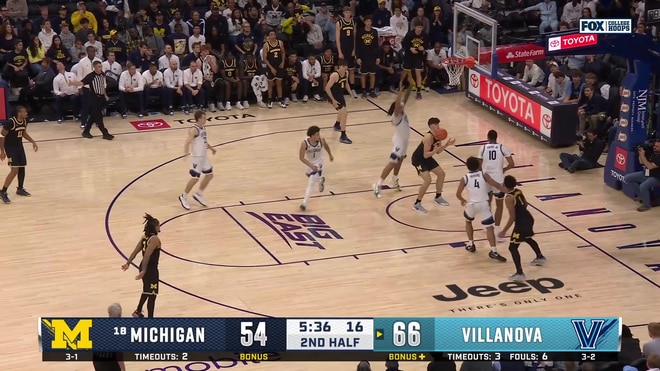
• Watch Michigan vs Villanova - 7:00 p.m. ET / 4:00 p.m. PT
Sunday, Nov. 22, 2026
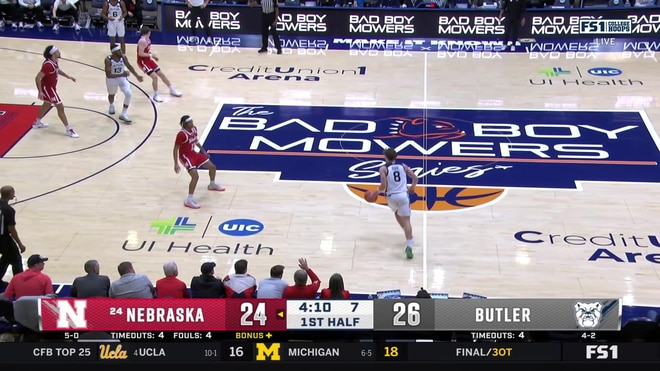
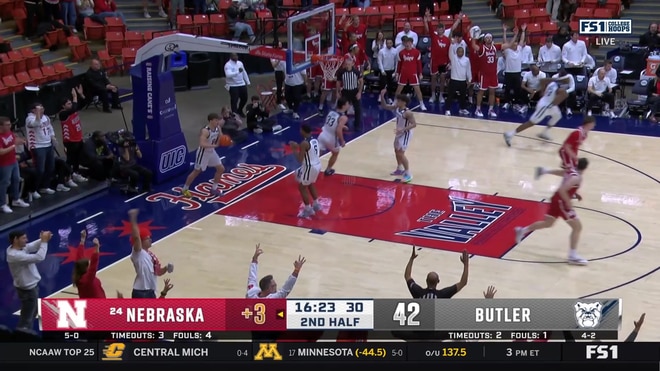
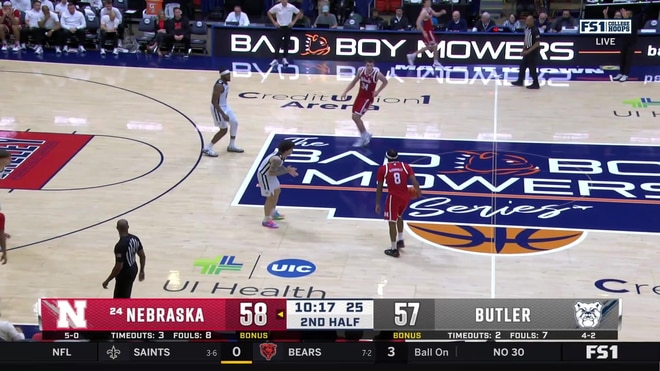
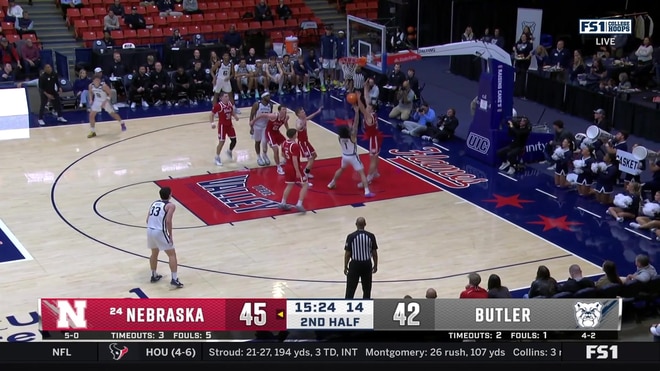
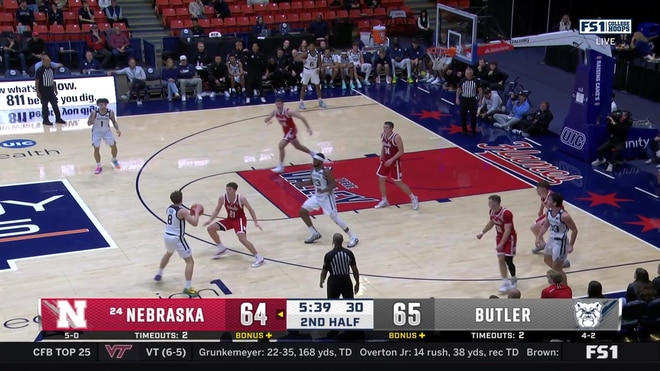
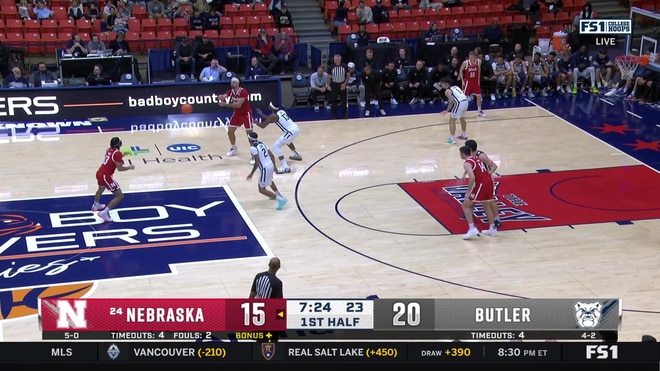
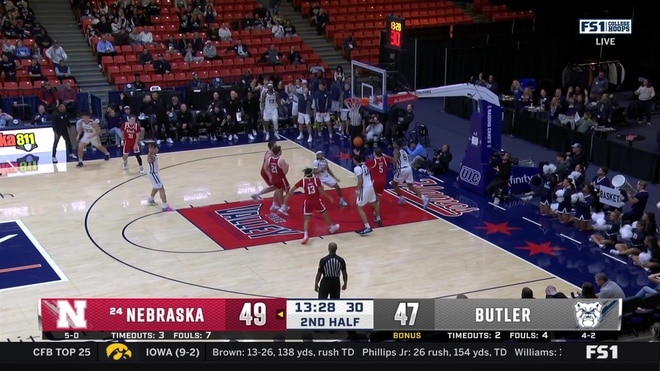
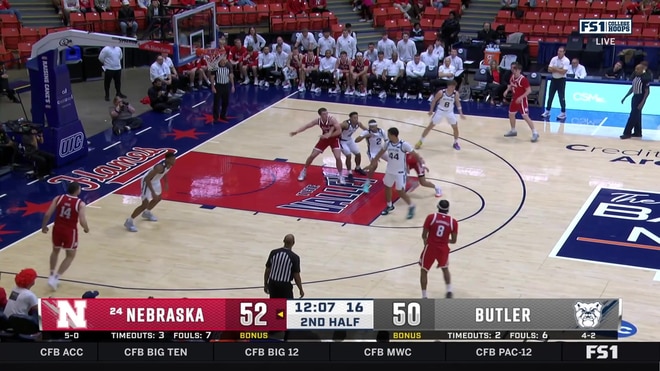
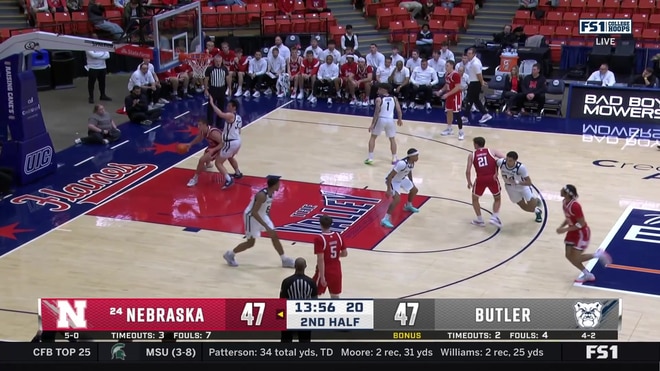
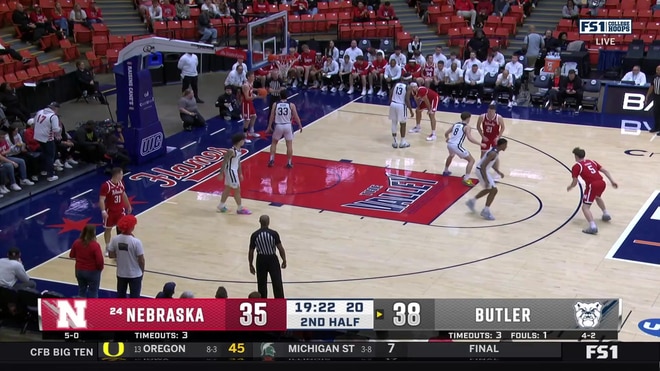
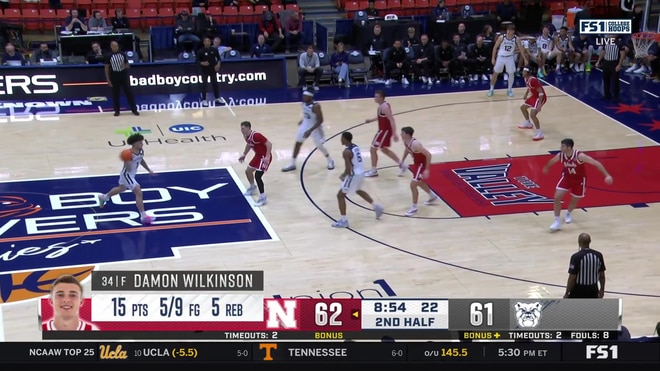
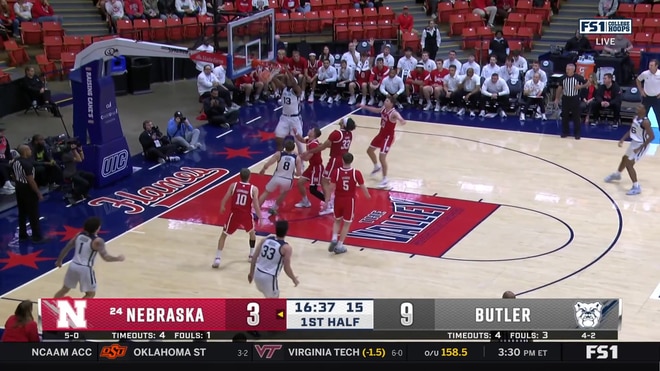
• Watch Butler vs Nebraska - 12:00 p.m. ET / 9:00 a.m. PT
Schedule and availability are subject to change.
Using FOX One with your TV provider is easy! If you have an eligible paid TV subscription that includes the FOX networks, follow these steps to get started.
On fox.com:
1. Click TV Provider at the top of the page.
2. Search and select your provider from the list.
3. Sign in with your provider username and password.
4. Once you're signed in, you'll be automatically redirected back to fox.com.
On mobile apps:
1. Tap Connect TV Provider in the app.
2. Find and select your TV provider.
3. Enter your username and password on your provider's site.
4. After signing in, you'll return automatically to the FOX One app.
On Living Room apps (Smart TVs, Roku, etc.):
1. Select Connect Provider in the app.
2. Follow the simple instructions displayed on your screen.
3. After signing in through your provider, you'll automatically be signed into your device.
4. Now you're ready to start watching!